Description
RealGUIDE 6.0 CAD+ Crack
RealGUIDE 6.0 comes with a lot of new features!
NEW PATIENT LIST WITH STATUS ICONS
The Patient List interface has been completely reimagined to put user experience at the forefront. We’ve streamlined your workflow to ensure that managing patients and projects is more intuitive than ever.
Managing your data is now effortless. With the introduction of dynamic Status Icons, project sharing and storage are just a click away, providing instant visual feedback on your work‘s progress and location.
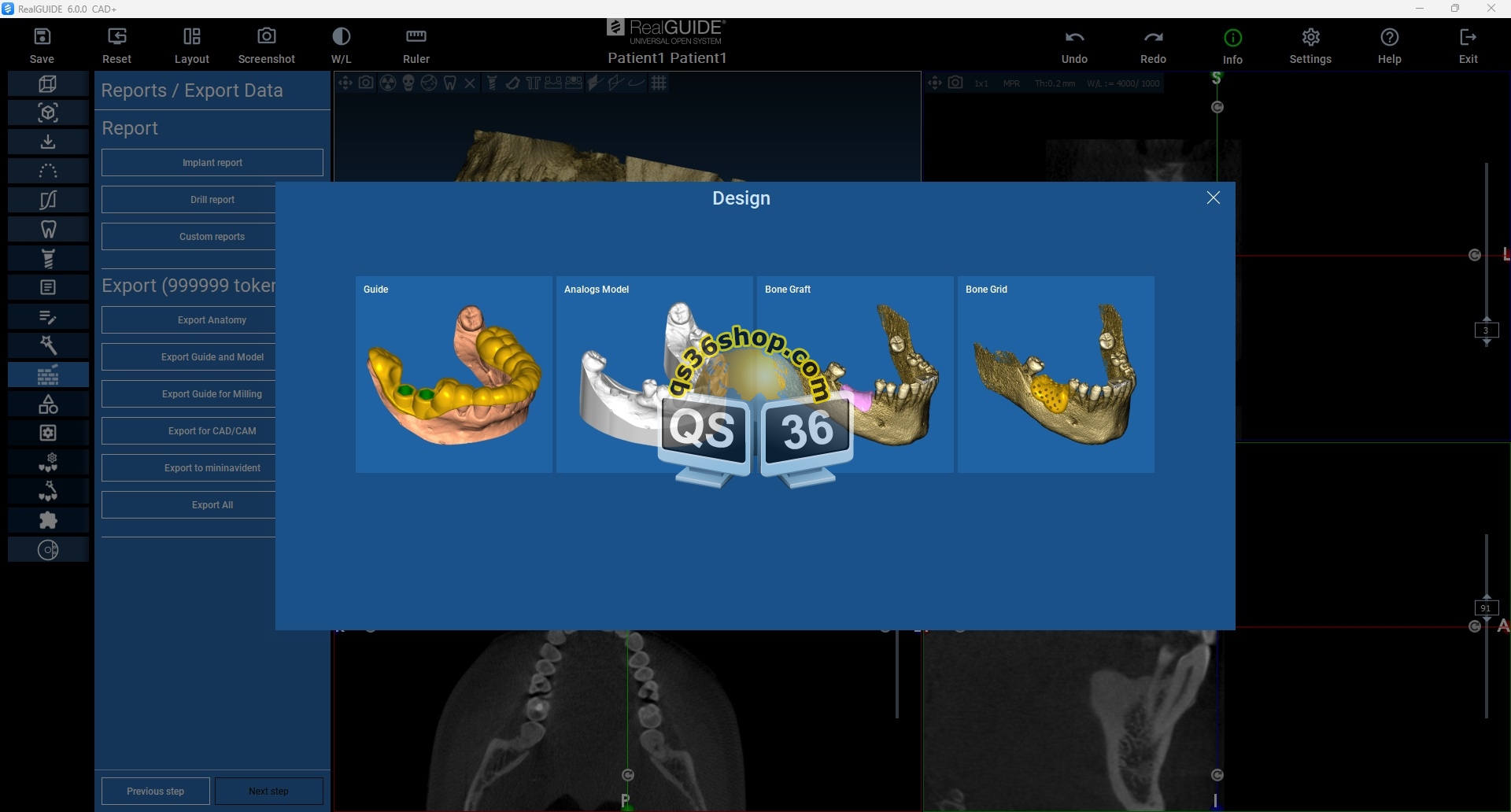
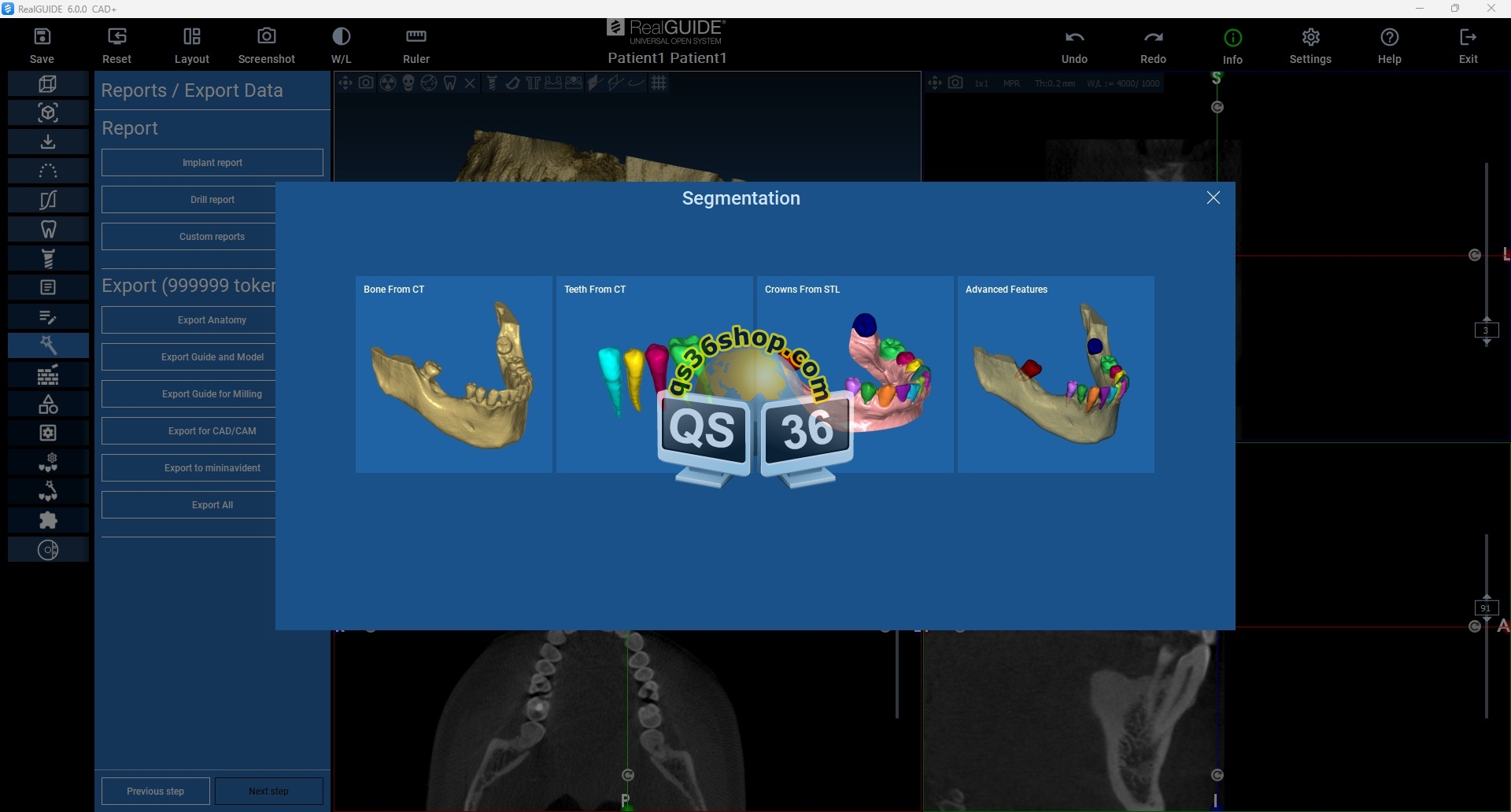
NEW DESIGN AND SEGMENTATION SECTIONS
Workflows are now grouped by function type and modeling:
- Design Section: Access guide design, analog models, bone grids, and bone graft workflows—all from a single, unified tab.
- Segmentation Section: A centralized space for all your bone, crown, and teeth segmentation needs.
Everything you need is exactly where you expect it to be, reducing navigation time and keeping you focused on the patient.
NEW HEADER LINKING WEB, WEBLINK, AND USER SETTING PAGES
The renewed Header bar serves as your new command center. It features direct-access icons for the Web, Weblink, and User Settings, allowing you to manage your profile and external connections instantly. We’ve also refreshed the Help and User Settings buttons to ensure that support and customization are always within reach.
AUTOMATIC TEETH POSITIONING
The new automatic teeth positioning system allows you to quickly generate a consistent prosthetic setup using the integrated tooth library. The algorithm analyzes patient anatomy and the relationship with the antagonist arch, providing an optimized initial arrangement that can be easily refined and customized by the user.
AI IMPLANT POSITIONING
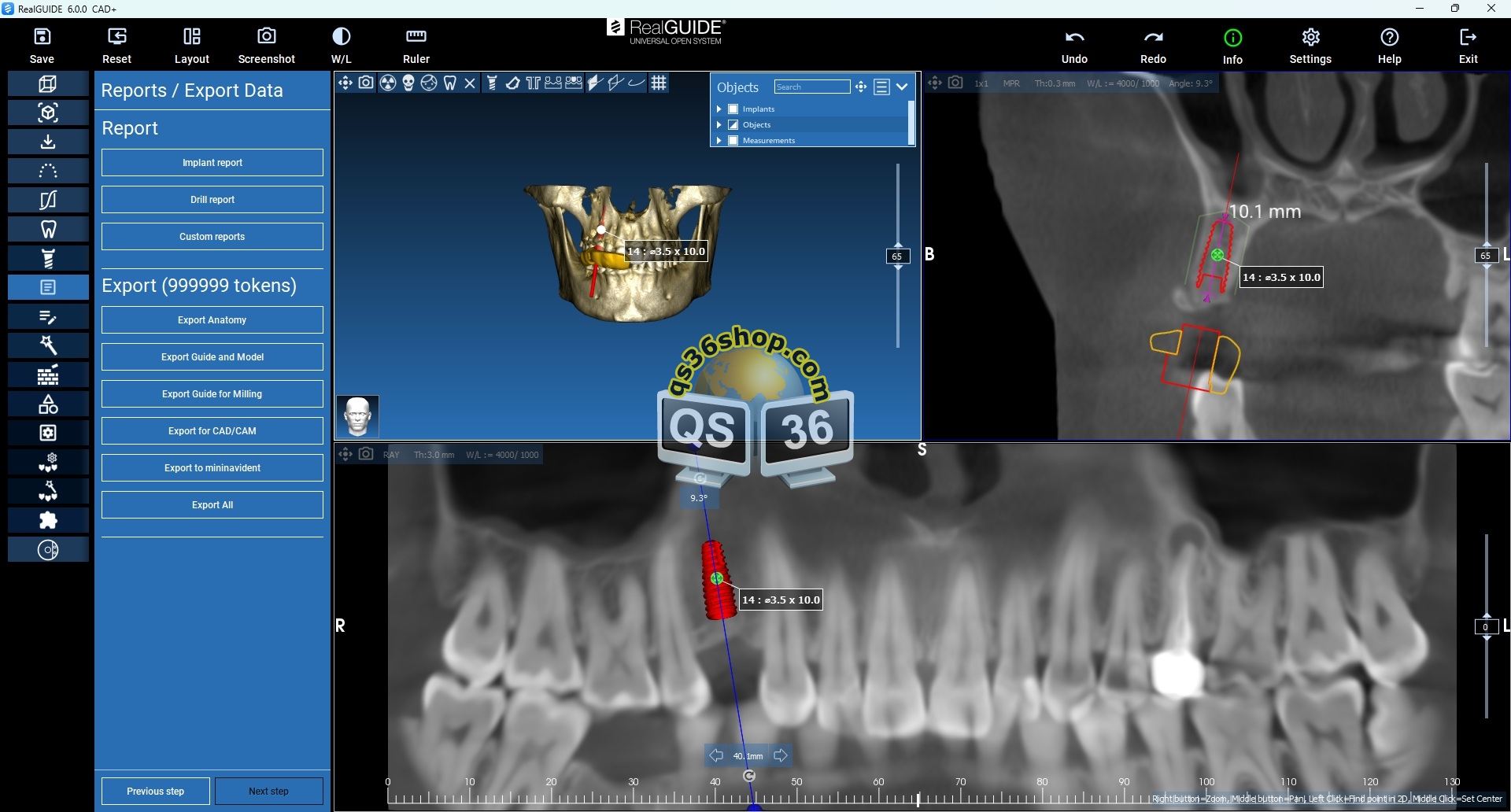
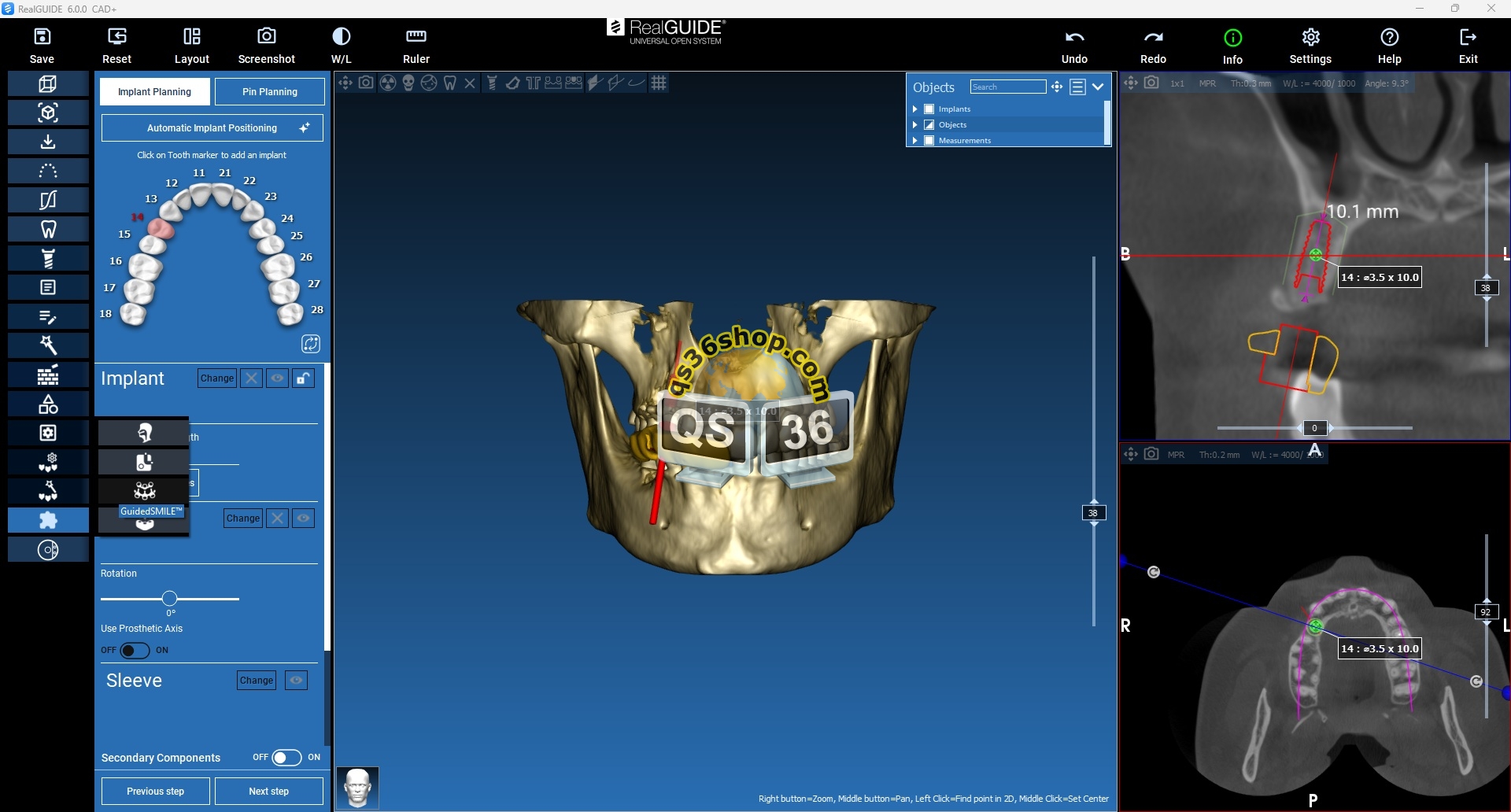
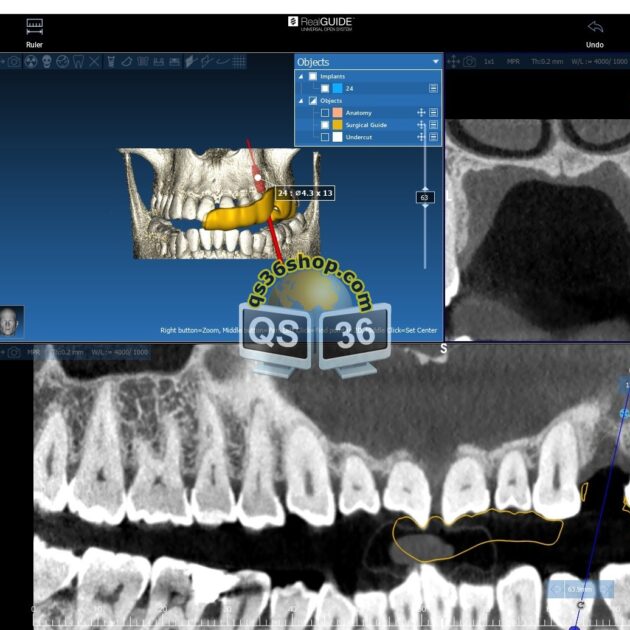
Our new Automatic Implant Positioning feature uses artificial intelligence to map the ideal placement based on your patient’s unique anatomy—instantly.
You only need to decide how many implants you need and on which teeth. Use the automated draft as a high-precision foundation that you can tweak, refine, or adjust in seconds. Stop building from scratch and start refining with precision.
AI SURGICAL GUIDE DESIGN
Forget the time lost to the manual struggle of guide creation—once your implants and pins are set, our AI takes over the heavy lifting.
The software automatically integrates every sleeve, delivering a draft of the surgical guide that serves as your professional foundation. It’s a smart starting point designed for seamless manual refinement, giving you the freedom to fine-tune every detail before you finalize.
NEW IMPLANT LIBRARY PANEL WITH ADVANCED VISUALIZATION
An enhanced panel for managing the Implant Library, featuring advanced options to show or hide Scan Marker kit components directly within the 3D viewer.
ENCODE: CONVERSION WITH SCANABUTMENT SLIM
New Encode conversion interface with support for Scanabutment Slim and an enhanced visualization panel to control the visibility of library components.
ENABLE/DISABLE TOOTH EDITING IN PROSTHETIC AND DIGITAL WAX-UP WORKFLOWS
A new dedicated button to activate or deactivate tooth editing during prosthetic design and digital wax-up workflows.
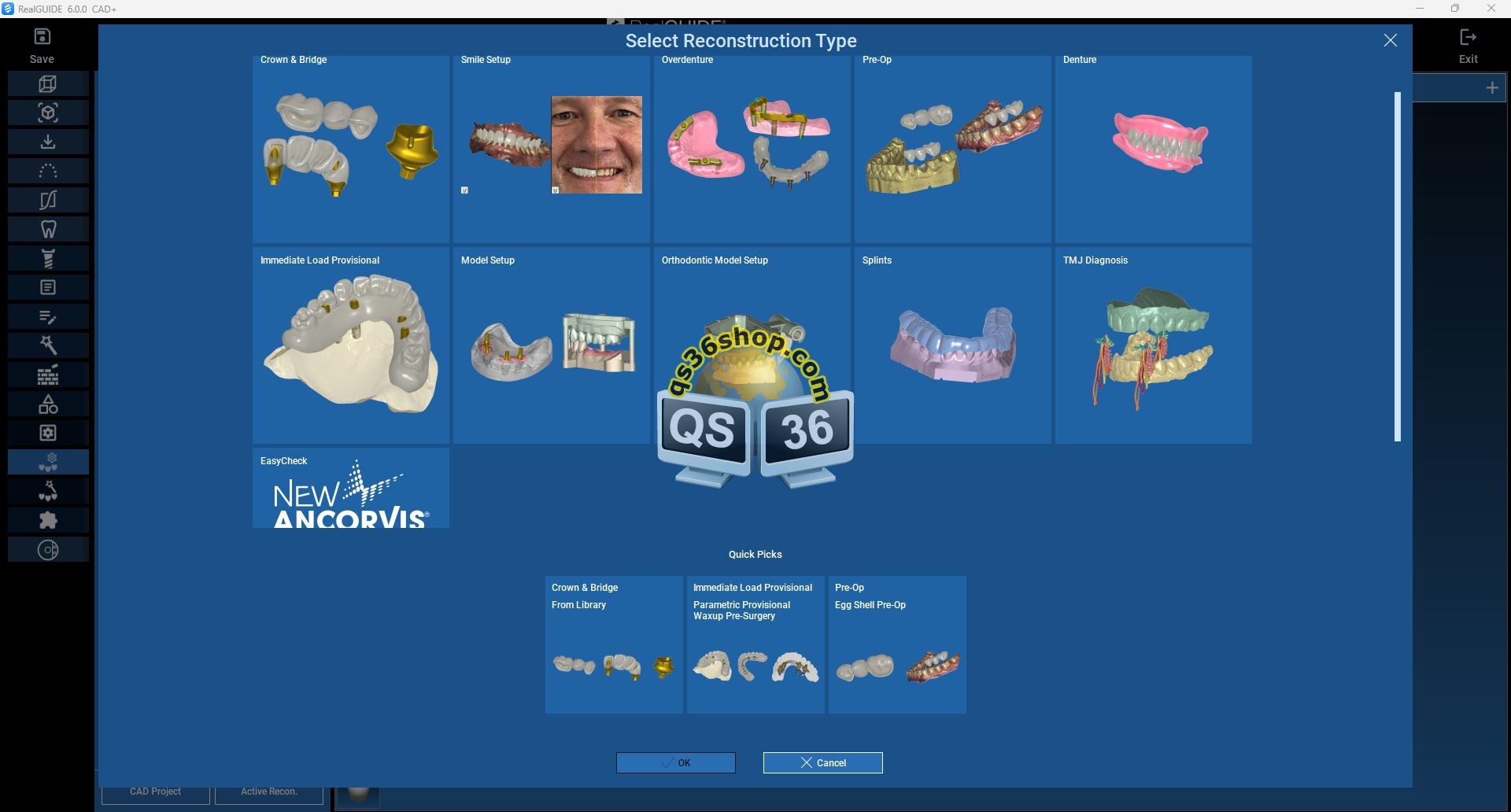
“UPPER GENERIC” MESH SELECTION IN SMILE SETUP
A new option to select an additional “Upper Generic” scan during the Smile Setup workflow for edentulous cases.
TRY-IN / RX-GUIDE TOOL FOR DIGITAL OCCLUSAL REGISTRATION IN EDENTULOUS MODELS
The new RX-Guide / TRY-IN workflow introduces an advanced approach to occlusal registration, allowing the creation of dedicated registration pads even without a preliminary jaw position.
RECONSTRUCTION COMPONENT VISUALIZATION ICONS BY ARCH
New icons allow quick control of reconstruction component visibility, conveniently grouped by upper and lower arch.
IMPROVED GINGIVA AND TEETH RENDERING
An enhanced rendering engine for a more realistic and detailed visualization of gingiva and teeth.
SPLIT BAR WITH MULTIPLE RECONSTRUCTIONS AND INTEGRATED ATTACHMENTS
The new Split Bar function automatically generates a bar derived from controlled wax-up reduction, allowing multiple reconstructions within the same project, both provisional and definitive.
Attachments and additional elements can now be integrated directly into the structure, expanding clinical possibilities and simplifying the workflow.
ADD, REMOVE, AND MODIFY TEETH DURING RECONSTRUCTION
New functionality allowing users to add, remove, or change tooth types during the reconstruction workflow after the merge step.
REPLACE TEETH FUNCTION WITH NEW OPTIONS
New available modes include: segment from Intraoral Model, segment from Composed Model, segment from Intraoral Object/Situ, segment from Composed Model Object/Situ, select from imported, and Edit Teeth.
AUTOMATIC AI-BASED LANDMARK POSITIONING
Automatic positioning of landmarks powered by AI.
DIGITAL FACE BOW FOR TMJ MOVEMENT
New Digital Face Bow registration for TMJ movement, now extended to Panda Scanner, Medit, and ModJaw systems. This update includes the option to save a new mandibular position or proceed with Mock-up, Bite Splint, or Smile Setup