Description
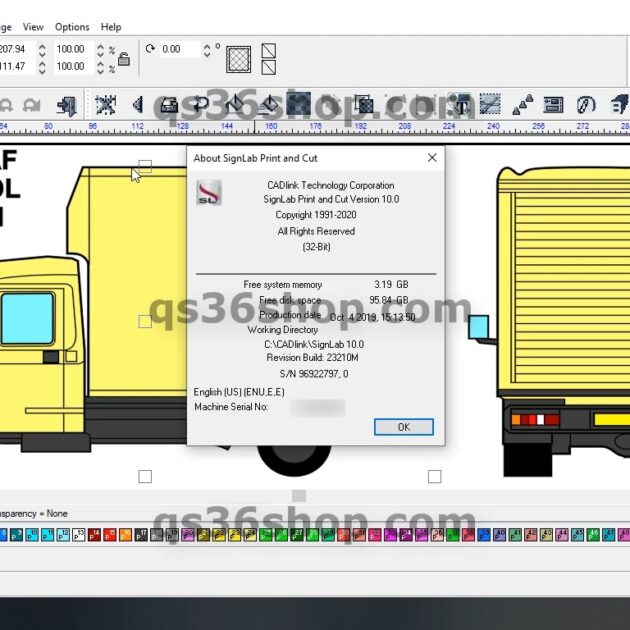
SignLab 11 Print and Cut Crack
Creating digitally printed, vinyl cut, and print/cut signs and graphics is simplified with SignLab Print and Cut. By seamlessly integrating file transfers from major third-party programs like Corel Draw, Illustrator, and Photoshop to Visual Production Manager, SignLab enables efficient management of multiple job queues. Output is compatible with a wide range of printers, cutters, and hybrid print/cut devices from manufacturers such as Roland, Mutoh, Mimaki, Summa, Gerber, Graphtec, Epson, Hewlett Packard, Canon, and others.
SignLab serves as a comprehensive vector and bitmap design and production platform, consolidating your entire production process into one interface. With SignLab’s exceptional image processing speed, creating and producing high-quality products in-house has never been quicker or more straightforward.
- SignLab Print and Cut simplifies the creation of digitally printed, vinyl cut, and print/cut signs and graphics.
- Integrates seamlessly with major third-party programs like Corel Draw, Illustrator, and Photoshop for easy file transfers to Visual Production Manager.
- Supports output to a wide array of printers, cutters, and hybrid print/cut devices from leading manufacturers including Roland, Mutoh, Mimaki, and more.
- Functions as a unified vector and bitmap design and production platform, streamlining the entire production process.
- Offers unmatched image processing speed, enabling rapid in-house design, creation, and production of high-quality signage and graphics.
NEW FEATURES
Vectorization Previewer: No more guesswork with vectorization! With this expanded feature, vectorization controls are presented with a live, real-time previewer before being applied to an object. Save time on design work by dialing in the perfect vectorization settings, then applying it once.
Fit To Shape: With Fit to Shape, custom text shapes and layouts are a click away. Start by highlighting any vector shape. Select the text you want to fit to that shape and apply. Get even more control over custom shapes with text node editing.
Effects Catalog: Save time on commonly applied effects by saving single effects or effect combinations to a personal catalog. Frequently applying the same combination of shadows, gradients, and more with specific colors? Save it to the effects catalog and apply it to new objects with a single click.
Power Weed Text Lines: By automatically adjusting to fonts and text layouts, the new Power Weed Text Line feature generates the most optimal weed cut line through the spaces around text, allowing for faster and easier vinyl weeding with less margin for error.
PDF Cutter Support: For workflows that manage cut data separately, it’s now easier than ever to automatically export cut data, including registration marks, to a seperate PDF file.